Local-first spreadsheet tools

Excel files in your browser

View and edit XLSX/XLS/CSV files in Chrome for FREE. Work locally by default, or add AI tools and Cloud files if you need more.
  • Local-first
  • XLS, XLSX & CSV
  • Optional AI & Cloud
OpenExcel spreadsheet editor with the Ask AI sidebar
Local by defaultYour file stays in the browser
AI when you need itAudit, clean, rewrite, or build formulas
P Featured on Product HuntSee OpenExcel and leave an upvote

Everything essential

Open, review, and edit spreadsheets without leaving Chrome

Use familiar spreadsheet tools for quick work, while keeping local files in your browser by default.

FREE Excel viewer & editor

Open XLSX, XLS, and CSV files directly in Chrome, then edit and save locally as XLSX after sign-in.

Local-first workflow

Files stay in your browser by default. Download, print, or save a PDF when you’re done.

Spreadsheet essentials

Use sheets, formulas, formatting, images, sorting, filtering, and familiar table navigation.

Google Sheets export

Send a workbook to your own Google Drive and continue editing in Google Sheets when needed.

Start in seconds

Open a file or begin with a new workbook

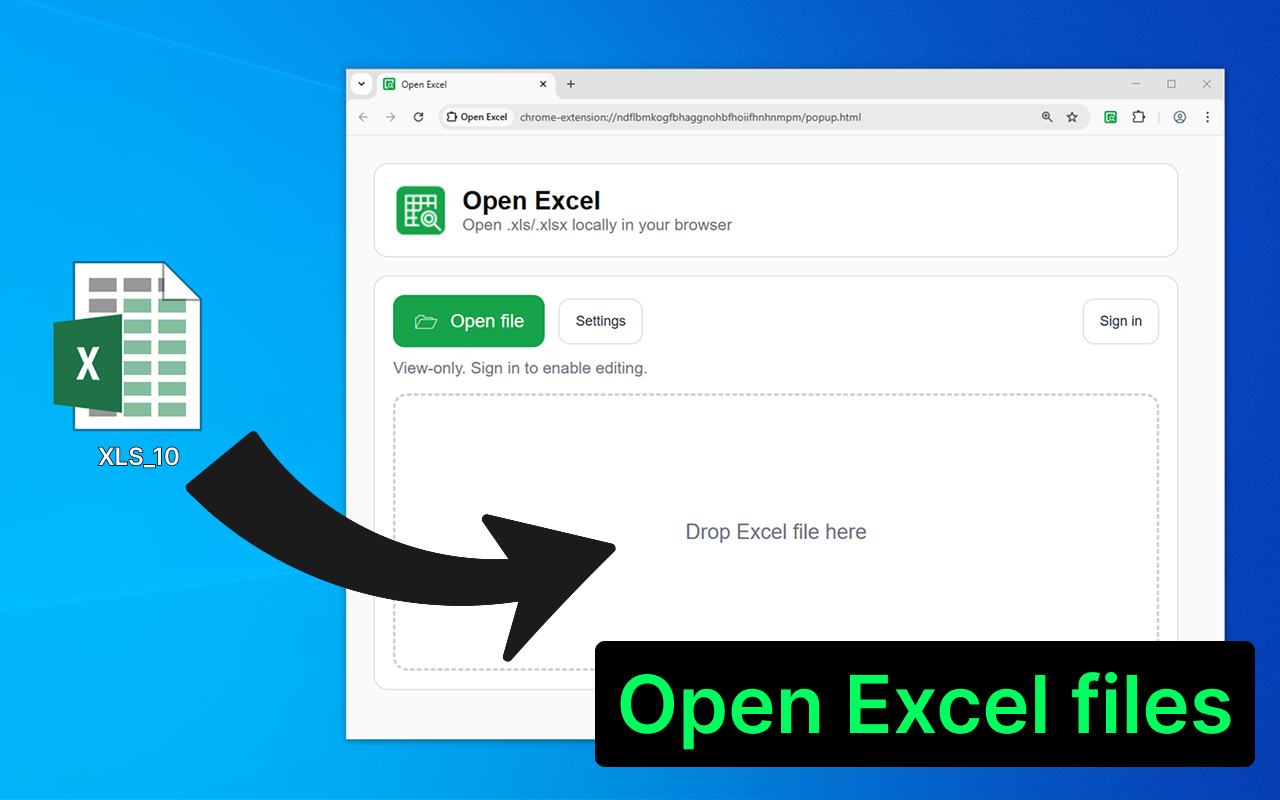
Choose an Excel file, drag it into OpenExcel, or create a blank workbook directly from the launcher.

  • Works directly in Chrome
  • Recent local and Cloud files in one place
  • No desktop Excel installation required
OpenExcel launcher for opening local and Cloud spreadsheet files

Plus and AI features

More power when your workflow grows

Keep the local-first experience, then add permanent editing, Cloud files, Version History, and optional AI actions.

See Plus and AI pricing
AI

AI spreadsheet tools

Audit data, explain cells, clean text, rewrite content, or generate formulas.

Review before applying

See suggested cell changes first and apply them only when you choose.

Cloud files

Save workbooks to your account and reopen them from another browser session.

Version History

Download older copies or restore a previous workbook state.

OpenExcel Cloud and local file lists
Cloud files and recent local workbooks stay easy to reach.

Quick walkthrough

How to use OpenExcel

Watch a practical guide to opening, editing, and saving spreadsheets in Chrome.

Simple workflow

From file to finished spreadsheet in five steps

  1. 01

    Pin the toolbar icon after installation.

  2. 02

    Click the “Open Excel” icon.

  3. 03

    Choose or drag a .xls, .xlsx, or .csv file.

  4. 04

    Browse sheets, edit cells, print, download, or export.

  5. 05

    Optionally add Plus Lifetime or buy more AI actions.

Made for everyday spreadsheet work

Who is it for?

Open Excel is for accountants, analysts, managers, operations teams, freelancers, and students who need a fast Excel viewer or XLSX editor without installing desktop Excel.

Use it to open XLS/XLSX/CSV reports, review invoices, check downloaded spreadsheets, clean tables, make quick edits in Chrome, and add AI Excel tools or Cloud files when the workflow grows.

From ValmisLab

More browser tools

Ready to get started?

Open your next spreadsheet directly in Chrome

Install OpenExcel and start viewing XLS, XLSX, and CSV files for free.

Install OpenExcel